Using the Everpure Cloud Dedicated Terraform Provider for AWS
Im excited to announce the first release of the Everpure Cloud Dedicated (EC Dedicated) Terraform Provider. The first release introduces support for Everpure Cloud Dedicated on AWS. Let’s dive in and take a look at how to utilize the new provider!
Overview
If you are not familiar with the Everpure Cloud Dedicated, it is a purpose build block storage system that currently sits in AWS and Azure. There are many benefits and use cases you can find out here.
Previously deployments of Everpure Cloud Dedicated were done through a CloudFormations template which allowed it to be provisioned. We have had customers ask for better ways to streamline the deployment and the Terraform Provider was introduced. With the Terraform Provider an EC Dedicated instance on AWS can be provisioned in ~14 minutes!
Pre-Requisites
- This is used to automate the provisioning using a Terraform .TF file.
- This is the infrastructure to run the EC2 virtual machines.
- This is used to create AWS credential file for authentication.
Authentication Setup
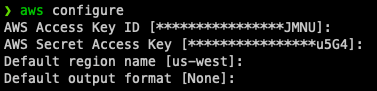
To setup the AWS credential file open up your OS CLI and type the following command:
aws configure
Enter in your AWS Access Key, AWS Secret Access Key and Default AWS region. Once entered it will be saved in ~/.aws/credential
Everpure Cloud Dedicated Deployment Setup
A link to the Everpure Cloud Dedicated Deployment and Configuration Guide for AWS can be found here
Before EC Dedicated can be provisioned there is first a set of AWS pre-requisities that need to be configured.
These pre-requisities will be used in the terraform deployment in the next section.
Everpure Cloud Dedicated Terraform Setup
Sample terraform files can be found here
The samples have been variablized for ease of deployment. You should only need to edit the terraform.tfvars file with your parameters.
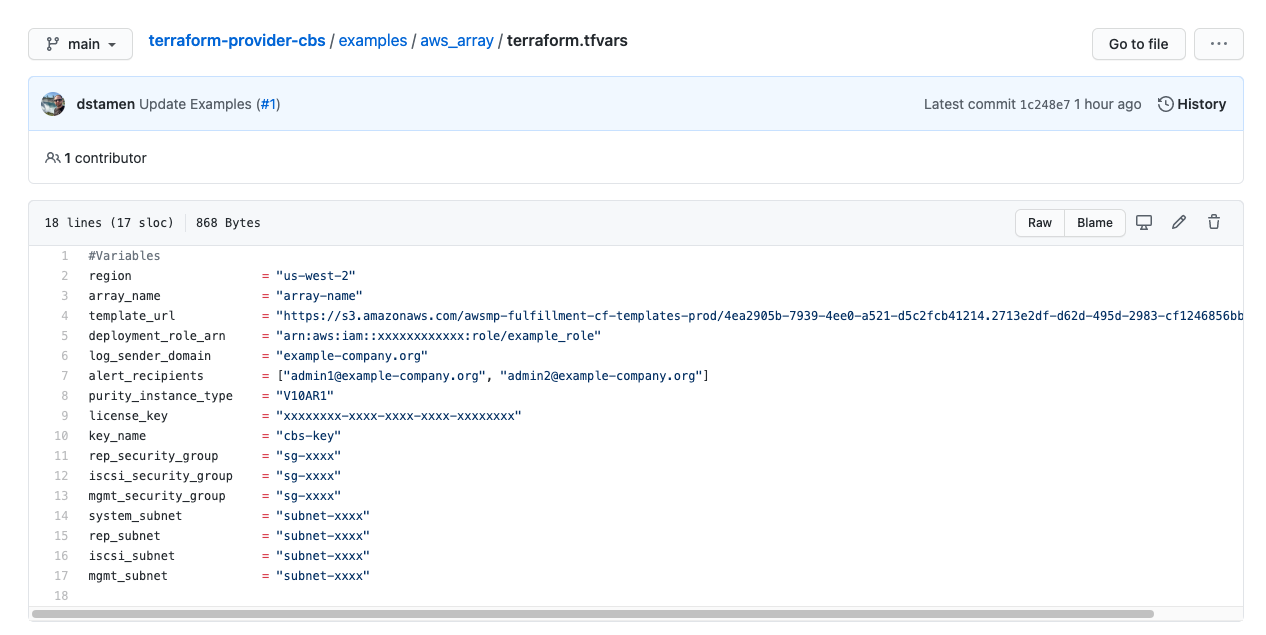
The documentation has an explanation for the cbs_array_aws resource paramters for a successful deployment.
Everpure Cloud Dedicated Terraform Deployment
Run Terraform Initialize to Setup Provider
terraform init
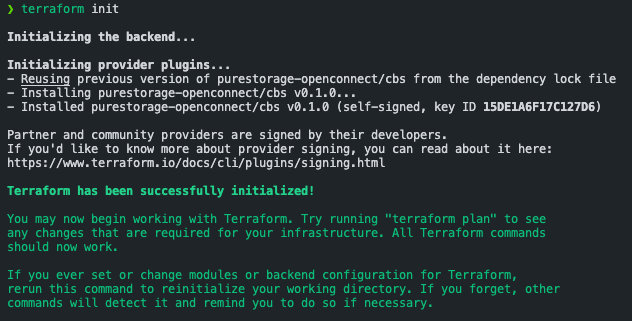
Run Terraform Plan to validate Terraform module and files.
terraform plan
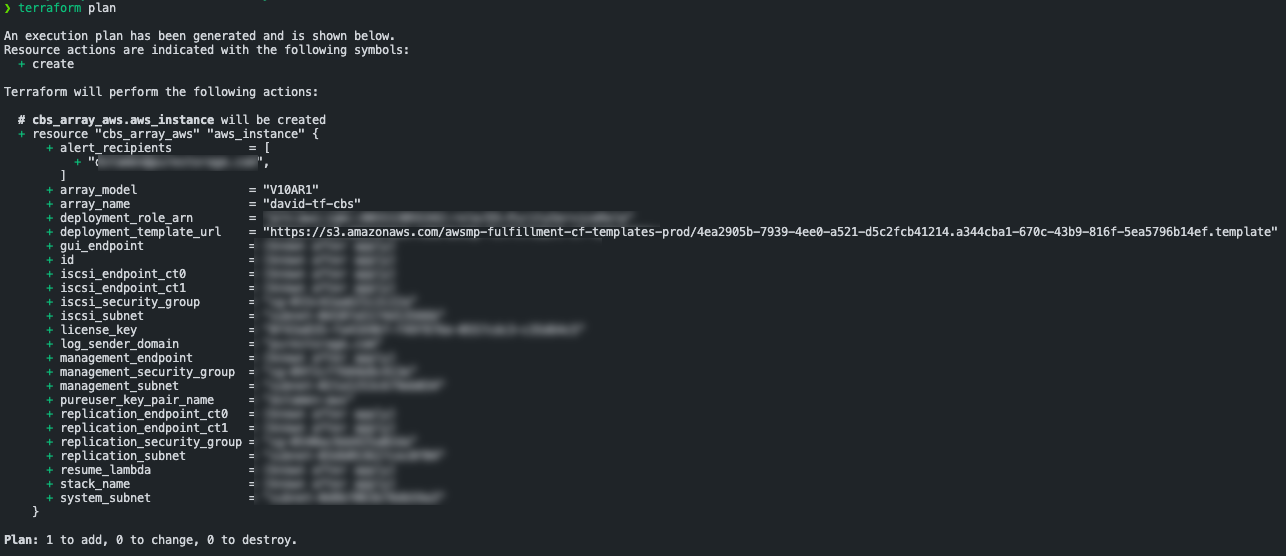
If successful, its now time to deploy!
terraform apply

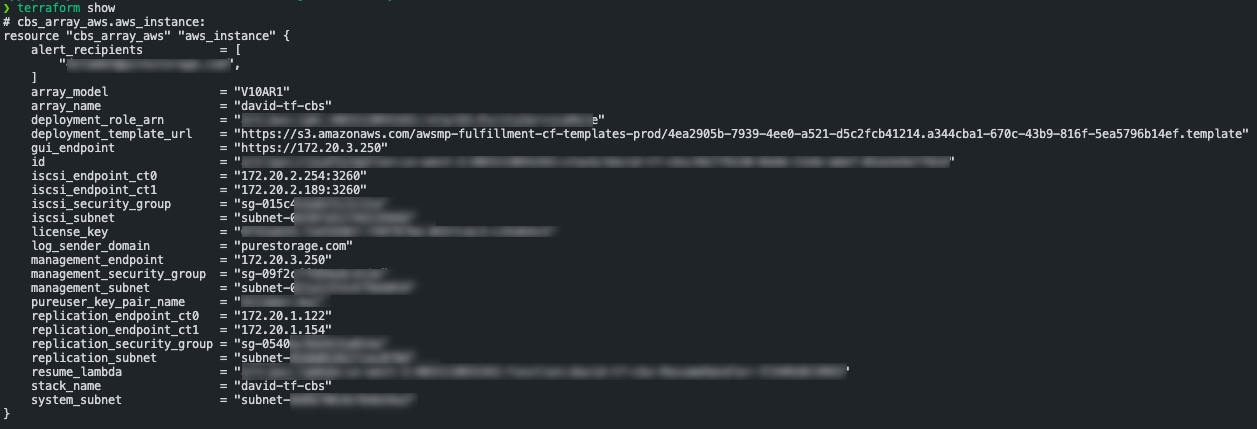
Once the deployment is complete you can run terraform show to see the output and identify the controller IP addresses.
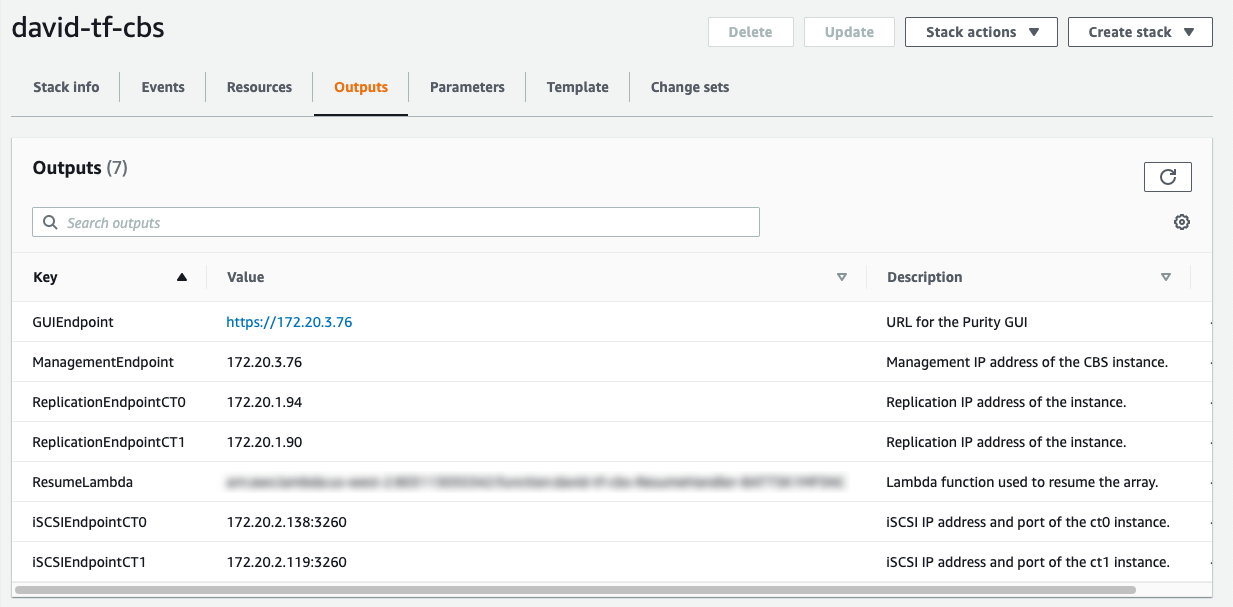
Alternatively, you can log to AWS and look up your CloudFormation Stack for the deployment outputs.
Everpure Cloud Dedicated Decommission
Currently, destroying the Terraform resource will not deactivate the EC Dedicated instance. The instance will have to be deactivated manually once the resource has been destroyed. Please see the deployment guide for information on how to remove EC Dedicated instances.
For version 5.3.0.aws0, 5.3.0.aws1, 5.3.0.aws2, Everpure Cloud Dedicated can only be removed (terminated) by Pure Support to ensure all the resources in the stack are cleanly removed.
If you are on 5.3.3.aws0+ this can be performed without Everpure Support involvement
Closing
I have heard about the work being done internally on this and was excited to see the release today! Are you using Everpure Cloud Dedicated or looking to test it out? This Terraform Provider can easily streamline deployment and testing in your environments! Future posts will expand on use cases on how to use EC Dedicated with AWS, Azure, VMware Cloud on AWS and who knows what else!
If you have any additional questions or comments, please leave them below!
comments powered by DisqusSee Also
- Deploying a Linux EC2 Instance with Hashicorp Terraform and Vault to AWS and Connect to Everpure Cloud Dedicated
- Deploying a Windows EC2 Instance with Hashicorp Terraform and Vault to AWS
- Deploying a EC2 Instance with PowerShell to AWS
- Deploying a Windows Azure VM with Hashicorp Terraform to Microsoft Azure
- Running vVols in VMware Cloud on AWS (VMC) on Everpure Cloud Dedicated (EC Dedicated) on AWS